Slocum glider
The glider_slocum description includes a body, thruster, hydrodynamics, IMU, navigation and pressure interfaces. Use it as a starting point for a glider experiment or a custom vehicle description.
Run in an ocean world
With the environment loaded:
ros2 launch posim_demos posim_robot.launch.py \
  namespace:=glider_slocum world_name:=posim_ocean_waves x:=4 z:=-1.5 \
  paused:=false gui:=false headless:=true \
  use_teleop:=false use_web_joystick:=false
For an empty-world composition check, replace the world and position with world_name:=empty.sdf z:=0.2. To view the model on a configured desktop, use gui:=true headless:=false.
Inspect observations
ros2 topic list -t
gz topic -l
The descriptor defines IMU and NavSat Gazebo topics under /model/glider_slocum/. Inspect the installed bridge configuration to select corresponding ROS topics and types. The model also loads the pressure plugin and the Gazebo odometry publisher.
Launch the model and environment, then use your control node for dive or gliding missions.
Adapt the model
Read the Slocum SDF alongside its bridge configuration. Change mass, inertia, collision shape and hydrodynamic coefficients together. Verify the frame conventions before connecting an estimator or controller.
Follow Add a robot to create a separate description, and ROS 2 and control to record observations and issue commands. Keep the original model as a reference for comparisons.
See the glider in motion
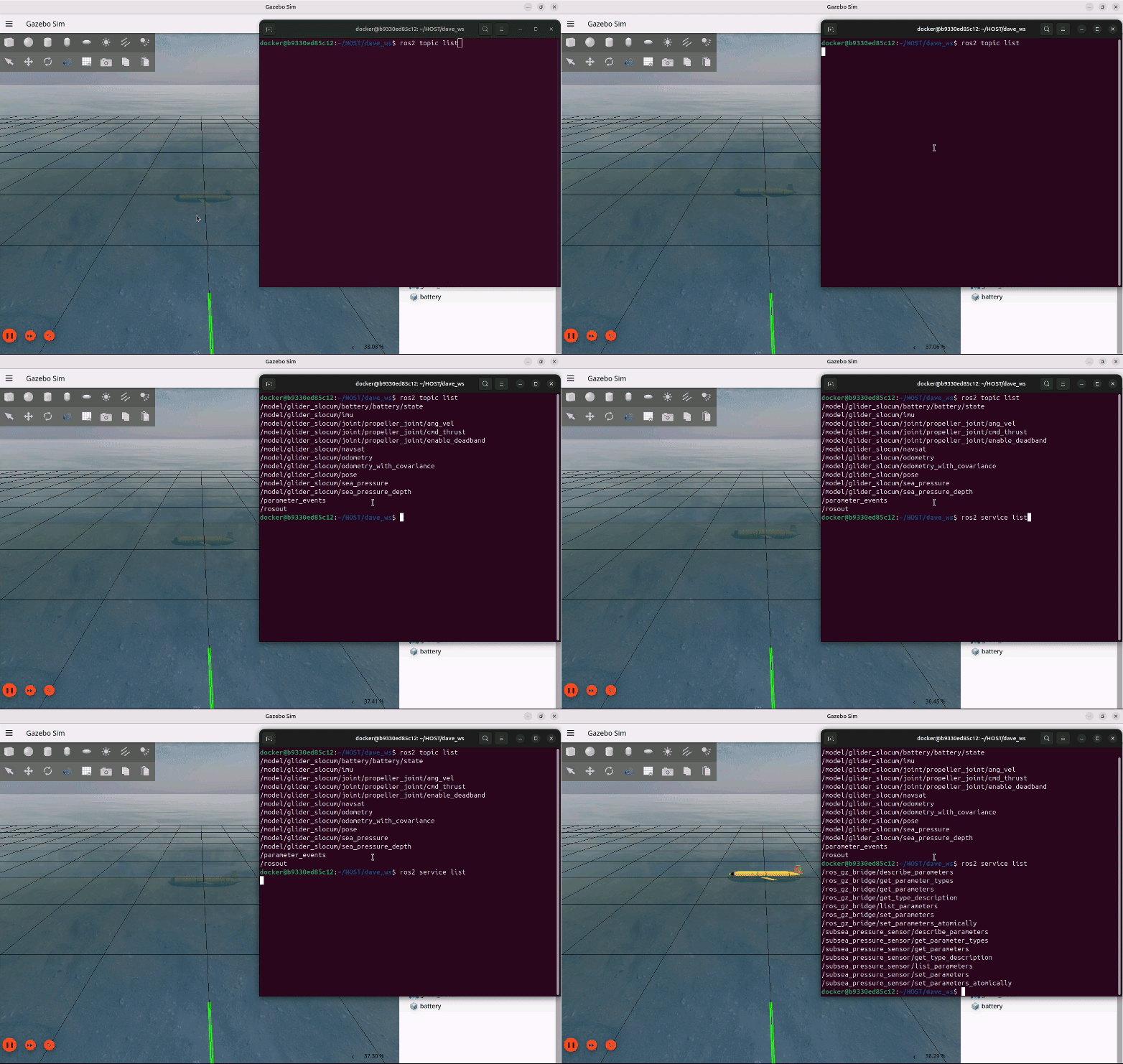
Figures and videos: POSIM Notion Wiki. See Citation and licenses for DAVE documentation attribution. Use this page's code blocks for execution commands and topic names.