ROVs and BlueROV2
Select a packaged robot description with the namespace argument. This argument chooses a model directory, rather than merely renaming ROS topics.
Available descriptions
| Description | Use |
|---|---|
rexrov |
ROV with Gazebo thrusters, hydrodynamics and odometry |
bluerov2 |
BlueROV2 with ArduSub SITL and MAVROS integration |
bluerov2_heavy |
Heavy configuration |
bluerov2_heavy_multibeam_sonar |
Heavy configuration with CUDA sonar |
Source your workspace before running commands. For REXROV, use the first simulation example.
Start BlueROV2
ros2 launch posim_demos posim_robot.launch.py \
  namespace:=bluerov2 world_name:=posim_ocean_waves z:=-0.5 paused:=false \
  gui:=false headless:=true use_teleop:=false use_web_joystick:=false \
  open_qgc:=false open_virtual_joystick:=false
Use namespace:=bluerov2_heavy to select the Heavy variant. Inspect the launch output and /mavros/state to check autopilot connectivity. The sonar-equipped description needs the CUDA setup.
Keyboard control
In an interactive desktop terminal, set gui:=true headless:=false use_teleop:=true. The BlueROV keyboard mapping is:
| Key | Action |
|---|---|
c / x |
Arm / disarm |
w / s |
Forward / reverse |
a / d |
Yaw left / right |
r / f |
Ascend / descend |
h / j |
ALT_HOLD / STABILIZE |
| Space | Neutral command |
Local browser joystick
Serve the included HTML from a separate terminal:
python3 -m http.server 8080 --bind 127.0.0.1 \
  --directory "$HOME/posim_ws/src/posim/extras"
Launch BlueROV2 with teleoperation enabled:
ros2 launch posim_demos posim_robot.launch.py \
  namespace:=bluerov2 world_name:=posim_ocean_waves z:=-0.5 paused:=false \
  gui:=true headless:=false use_teleop:=true use_web_joystick:=true \
  joystick_ws_host:=127.0.0.1 joystick_ws_port:=8765 \
  open_virtual_joystick:=true open_qgc:=false \
  virtual_joystick_url:='http://127.0.0.1:8080/virtual_joystick.html?host=127.0.0.1&port=8765'
Keep use_teleop:=true: it enables the teleoperation launch containing the WebSocket bridge. If the browser does not open automatically, open the URL on the same machine. QGroundControl is an optional separate application; install its executable before enabling open_qgc.
For programmatic sensor subscriptions and commands, continue to ROS 2 and control.
See the robot in motion
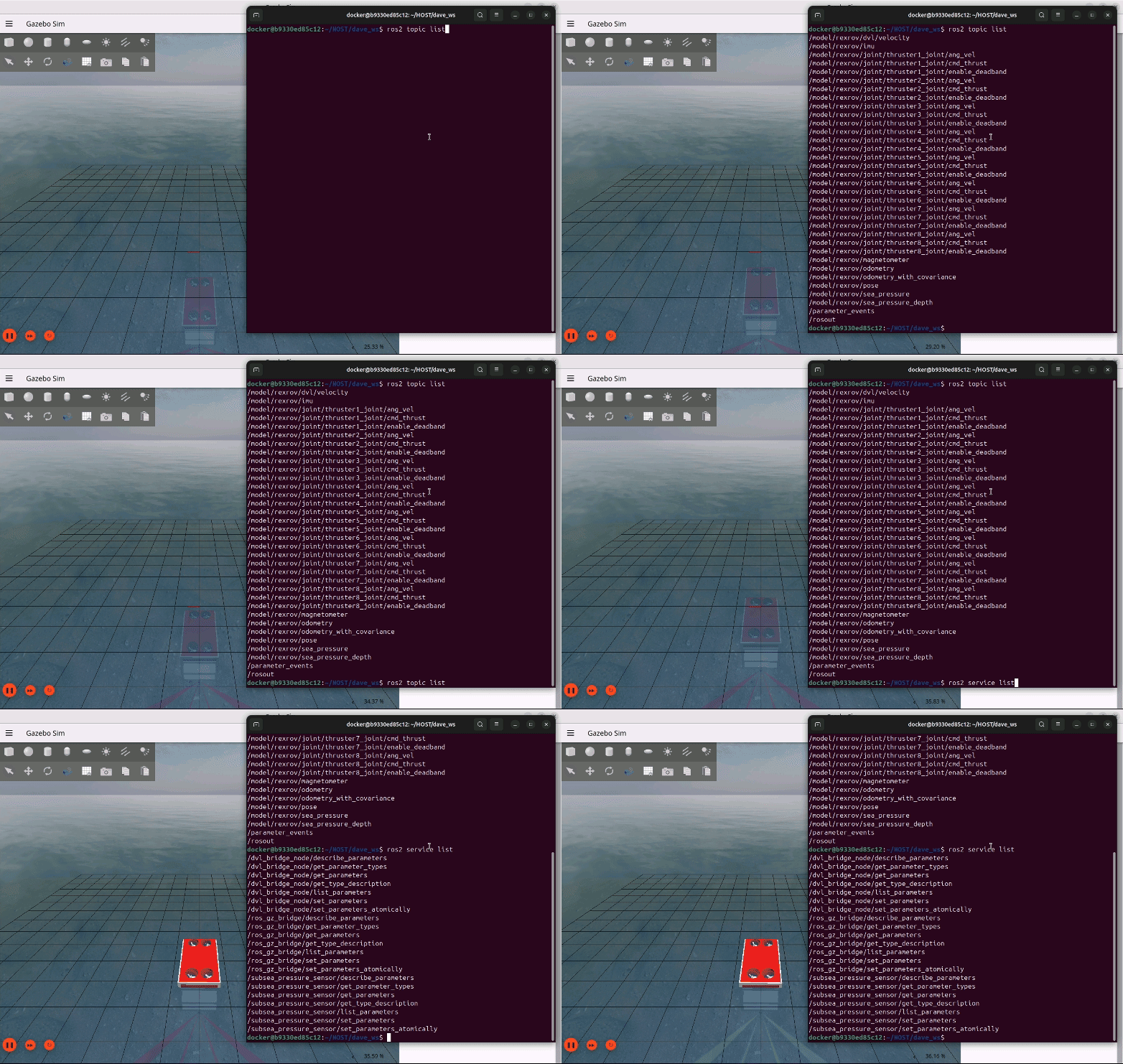
Figures and videos: POSIM Notion Wiki. See Citation and licenses for DAVE documentation attribution. Use this page's code blocks for execution commands and topic names.