USBL positioning
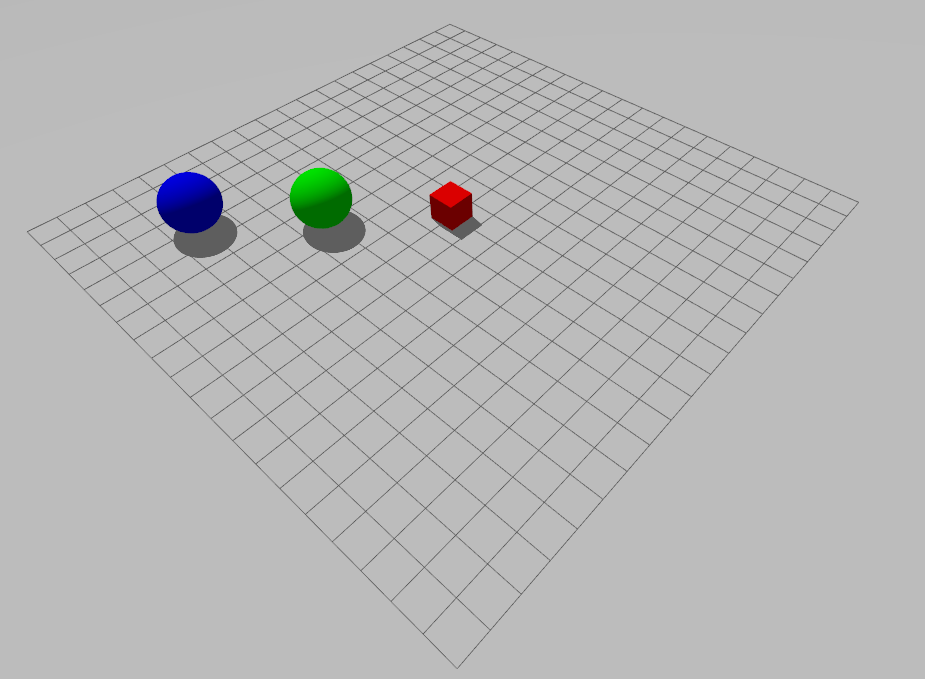
The USBL example pairs a transceiver with two transponders. Interrogation requests trigger position responses, which can be selected by transponder ID.
Start the tutorial world
ros2 launch posim_demos posim_world.launch.py \
  world_name:=usbl_tutorial headless:=true
The transceiver and transponders are already inside this world. Use the world launch, rather than attempting to spawn a separate usbl sensor descriptor.
Receive positions
In a second sourced terminal:
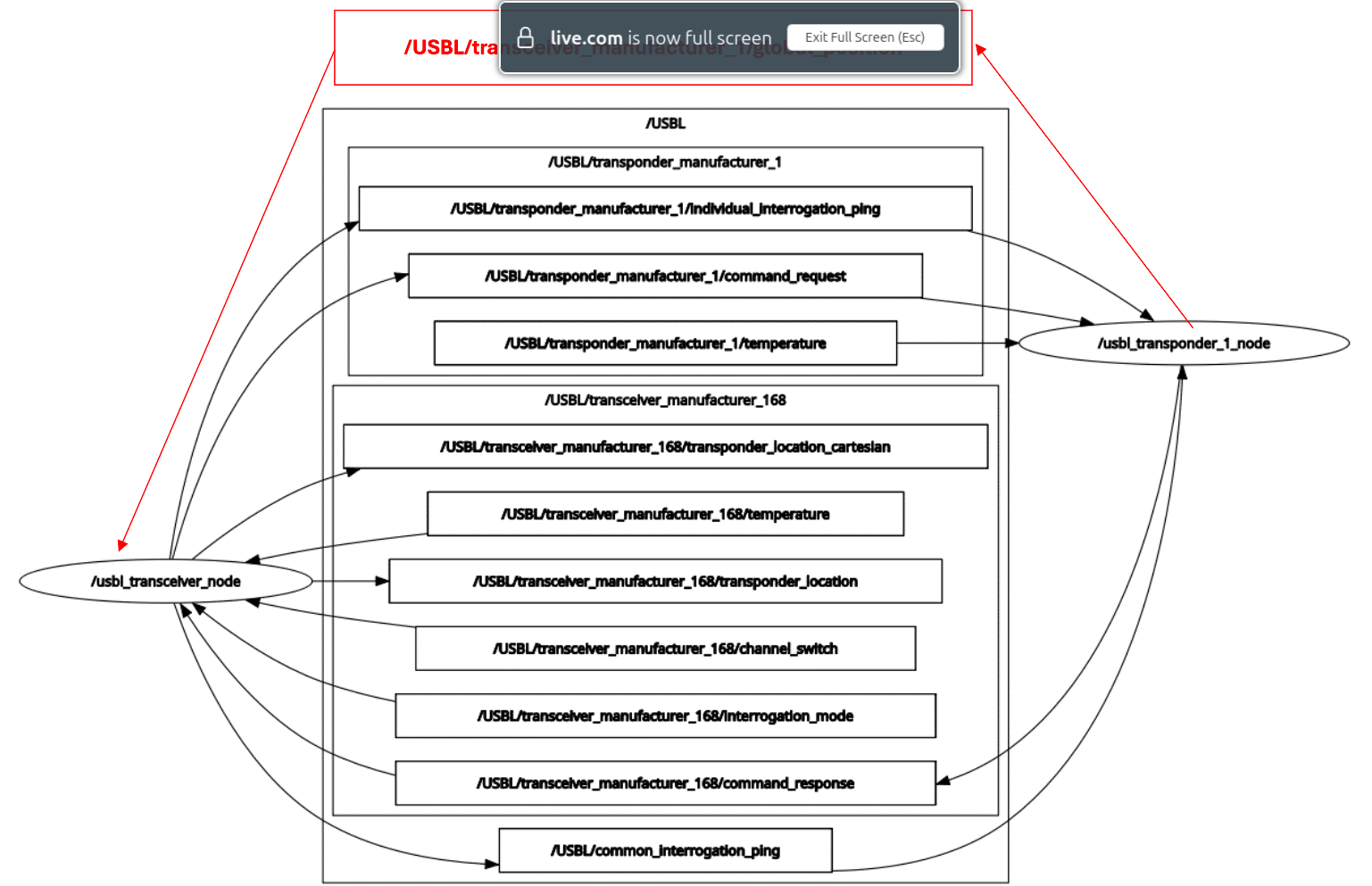
ros2 topic echo /USBL/transceiver_manufacturer_168/transponder_location \
  posim_interfaces/msg/Location --once
ros2 topic echo /USBL/transceiver_manufacturer_168/transponder_location_cartesian \
  posim_interfaces/msg/Location --once
Both messages carry transponder_id, but their x, y, z fields have different meanings:
| Output | x | y | z |
|---|---|---|---|
transponder_location |
Bearing, degrees | Range, meters | Elevation, degrees |
transponder_location_cartesian |
Relative x, meters | Relative y, meters | Relative z, meters |
The current implementation computes directions from the world-coordinate position difference; account for this convention when combining it with body-frame data.
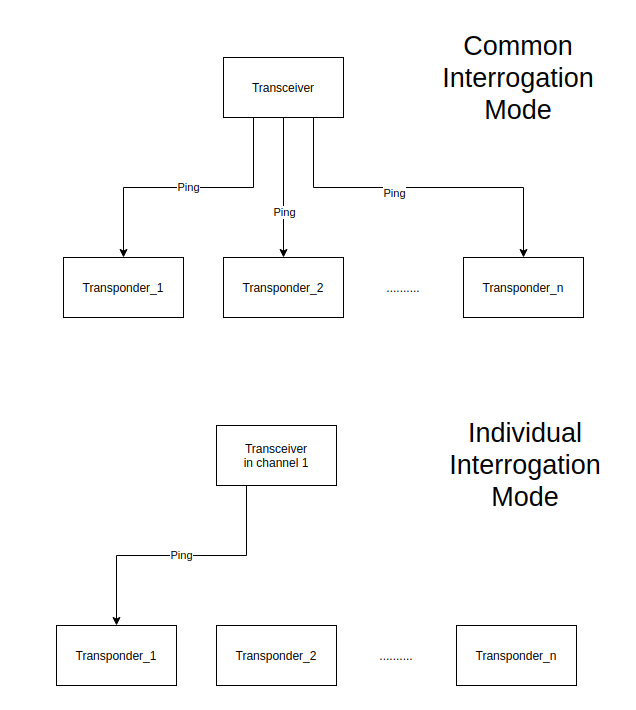
Request all transponders
ros2 topic pub --once /USBL/transceiver_manufacturer_168/interrogation_mode \
  std_msgs/msg/String "data: 'common'"
ros2 topic pub --once /USBL/common_interrogation_ping \
  std_msgs/msg/String "data: 'ping'"
Common mode can publish multiple IDs on the same output topic. Keep the ID in your data association logic.
Select one transponder
ros2 topic pub --once /USBL/transceiver_manufacturer_168/channel_switch \
  std_msgs/msg/String "data: '1'"
ros2 topic pub --once /USBL/transponder_manufacturer_1/individual_interrogation_ping \
  std_msgs/msg/String "data: 'ping'"
Switching the channel selects individual mode. Set the channel to the requested transponder ID. Return to common mode when requesting all devices.
Configure an installation
Configure devices and interrogation in SDF. Match the names and IDs on both ends.
- Devices:
namespace, names/IDs and attached objects - Acoustics: sound speed
- Scheduled requests:
enable_ping_scheduler,ping_frequency - Tutorial request rate: 0.5 Hz
See the tutorial SDF when changing devices or the schedule.
Layout and interrogation modes
Figures and videos: POSIM Notion Wiki. See Citation and licenses for DAVE documentation attribution. Use this page's code blocks for execution commands and topic names.