Multibeam sonar
POSIM's multibeam sonar uses a ray-based point-scattering model to generate intensity–range data and sonar imagery. Prepare the NVIDIA/CUDA backend before running the sensor.
Run a sonar example
ros2 launch posim_demos posim_sensor.launch.py \
  namespace:=blueview_p900 world_name:=posim_multibeam_sonar \
  paused:=false x:=4 z:=2.0 yaw:=3.14 gui:=false headless:=true
A dedicated example is also supplied by posim_multibeam_sonar_demo:
ros2 launch posim_multibeam_sonar_demo multibeam_sonar_demo.launch.py
Use one launch at a time. For the robot variant, select bluerov2_heavy_multibeam_sonar with a suitable sonar world.
Observe outputs
ros2 topic list -t
ros2 topic echo /sensor/multibeam_sonar/sonar_image \
  sensor_msgs/msg/Image --once --no-arr
In RViz, add an Image display for the sonar image and PointCloud2 for /sensor/multibeam_sonar/point_cloud. Raw returns use the acoustic message interface supplied by marine_acoustic_msgs; discover their type with ros2 topic list -t.
Sensor configuration
The descriptor uses type="custom" gz:type="multibeam_sonar". The world loads multibeam_sonar_system. The BlueView P900 example requests:
| Setting | Value |
|---|---|
| Horizontal beams | 512, approximately 130° field of view |
| Vertical rays | 300, approximately 12° field of view |
| Range | 0.1–10 m |
| Frequency / bandwidth | 900 kHz / 29.9 kHz |
| Sound speed | 1500 m/s |
| Sensor update rate | 30 Hz requested |
Actual received rate depends on computation and rendering. Read the descriptor for all values.
Parameters to customize
The <spec> block controls sonarFreq, bandwidth, soundSpeed, sourceLevel, maxDistance, raySkips, sensorGain and publication names. Keep ray range and processing distance consistent. Match pointCloudTopicName to the ROS–Gazebo bridge configuration and set frameName for the sonar optical frame.
writeLog, writeFrameInterval and debugFlag support diagnostic recording and timing. Keep logging disabled for throughput measurements unless logging is part of the experiment. See build and performance for a repeatable tuning workflow and Citation for the sonar model's research source.
Add a sonar sensor and world
Copy models/posim_sensor_models/description/blueview_p900/ to a new sensor identifier. Also prepare a matching config/<sensor identifier>/sensor_config.py; align SDF model/link/frame names with bridge topics. Set horizontal/vertical samples, angles and range in <ray> to match your sensor specification.
Include the Gazebo rendering-sensor system and sonar system in the world. Consult the sonar world SDF for physics, scene and other custom-sensor configuration.
<plugin filename="gz-sim-sensors-system" name="gz::sim::systems::Sensors">
  <render_engine>ogre2</render_engine>
</plugin>
<plugin filename="multibeam_sonar_system" name="custom::MultibeamSonarSystem"/>
Prepare CUDA and rendering, rebuild/source the workspace, then select your descriptor using the sensor launch arguments. The ROS point-cloud bridge connects sensor_msgs/msg/PointCloud2 to Gazebo gz.msgs.PointCloudPacked. Match pointCloudTopicName to the path configured in sensor_config.py.
Record raw sonar data
Enabling writeLog creates CSV files in the launch working directory. Set the recording interval with writeFrameInterval and monitor disk usage. Use plotdata.py to analyze recordings. sonarImageRawTopicName names raw acoustic observations; sonarImageTopicName names the display image. Record display settings such as sensorGain and blazingSonarImage with your experiment configuration.
Sonar scenes and observations
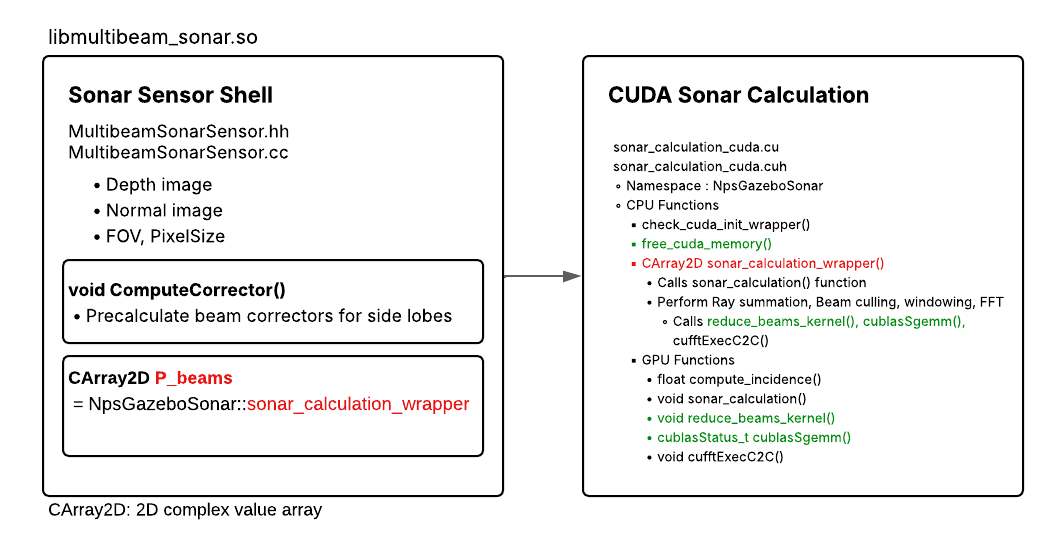
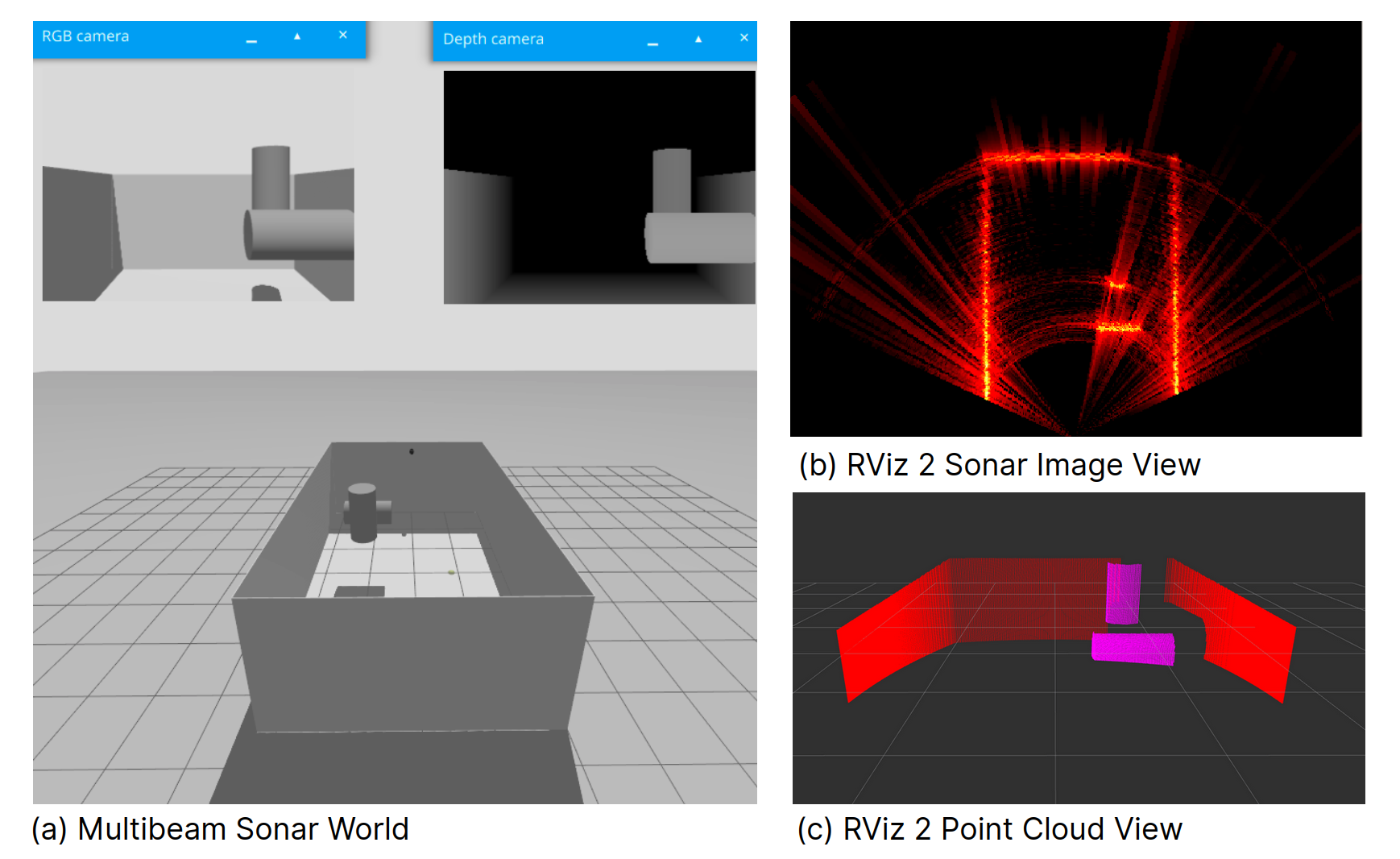
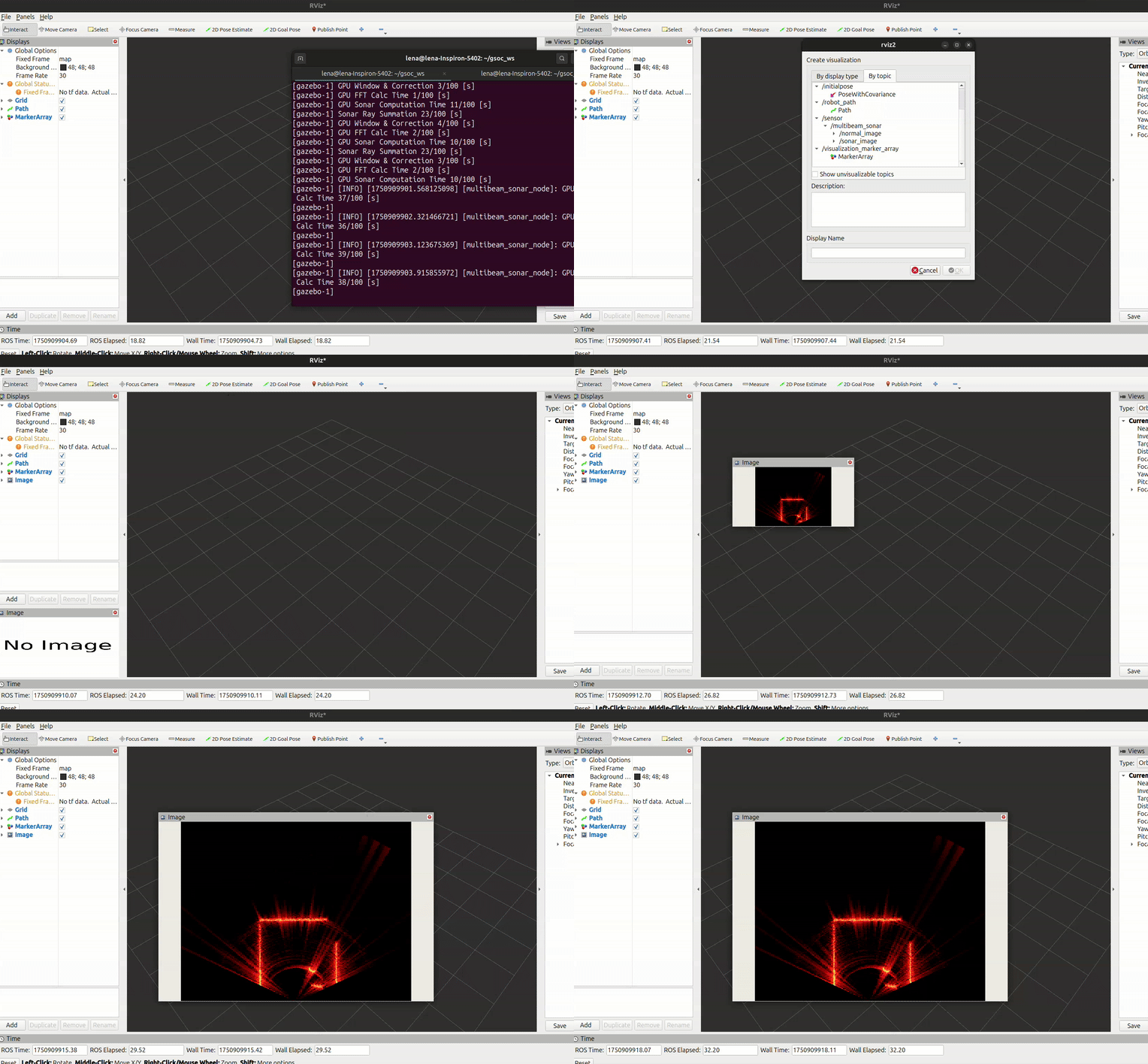
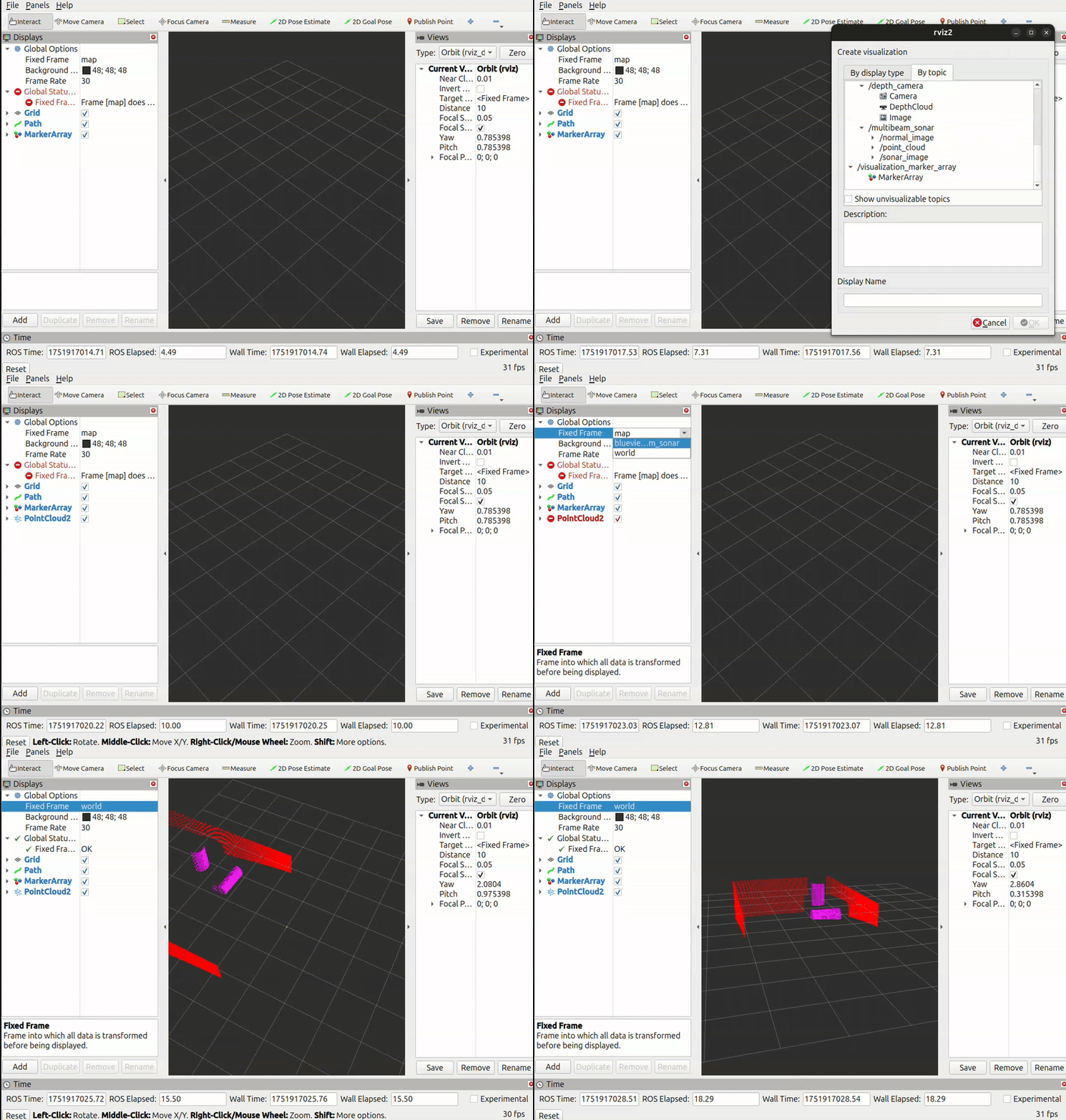
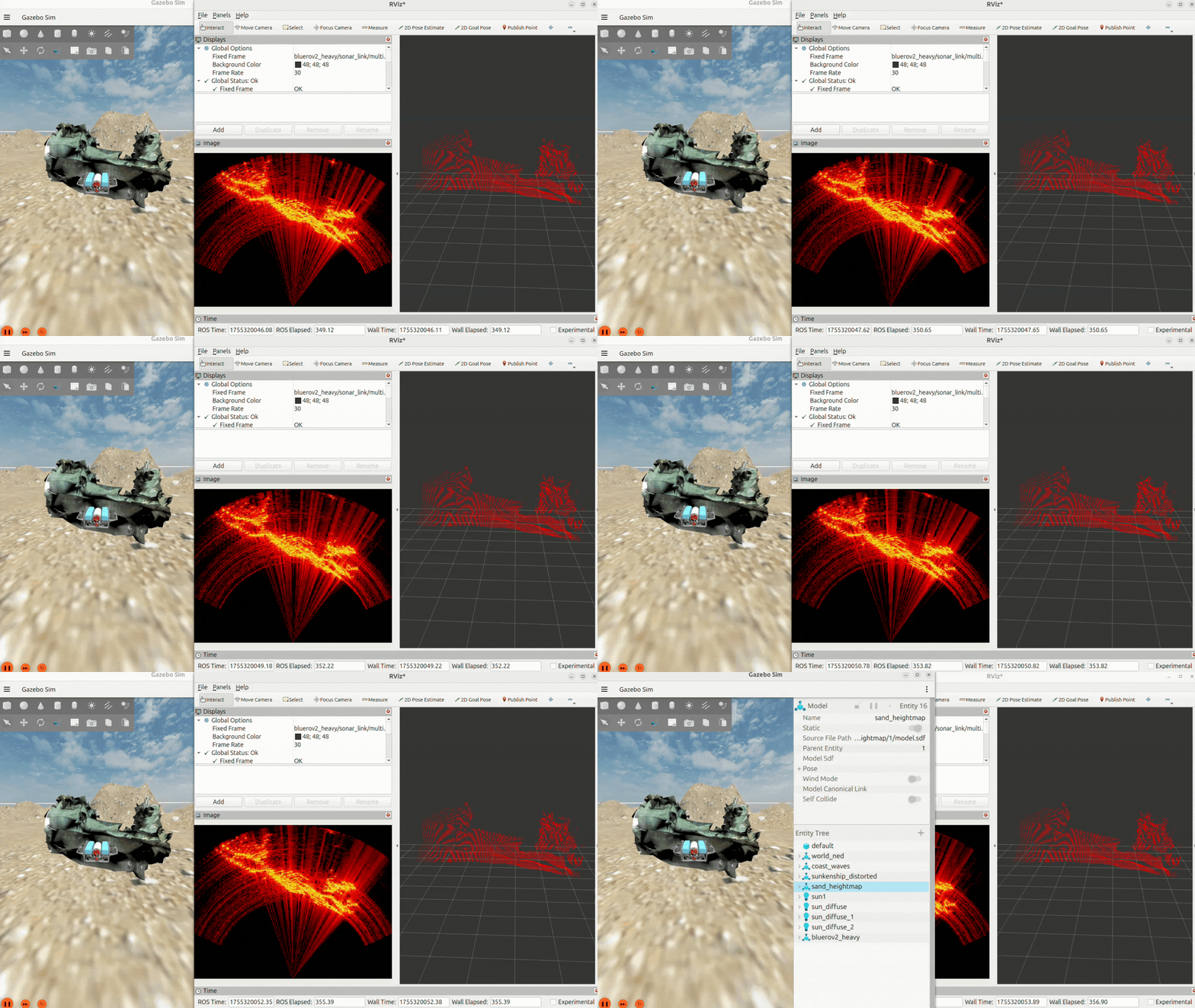
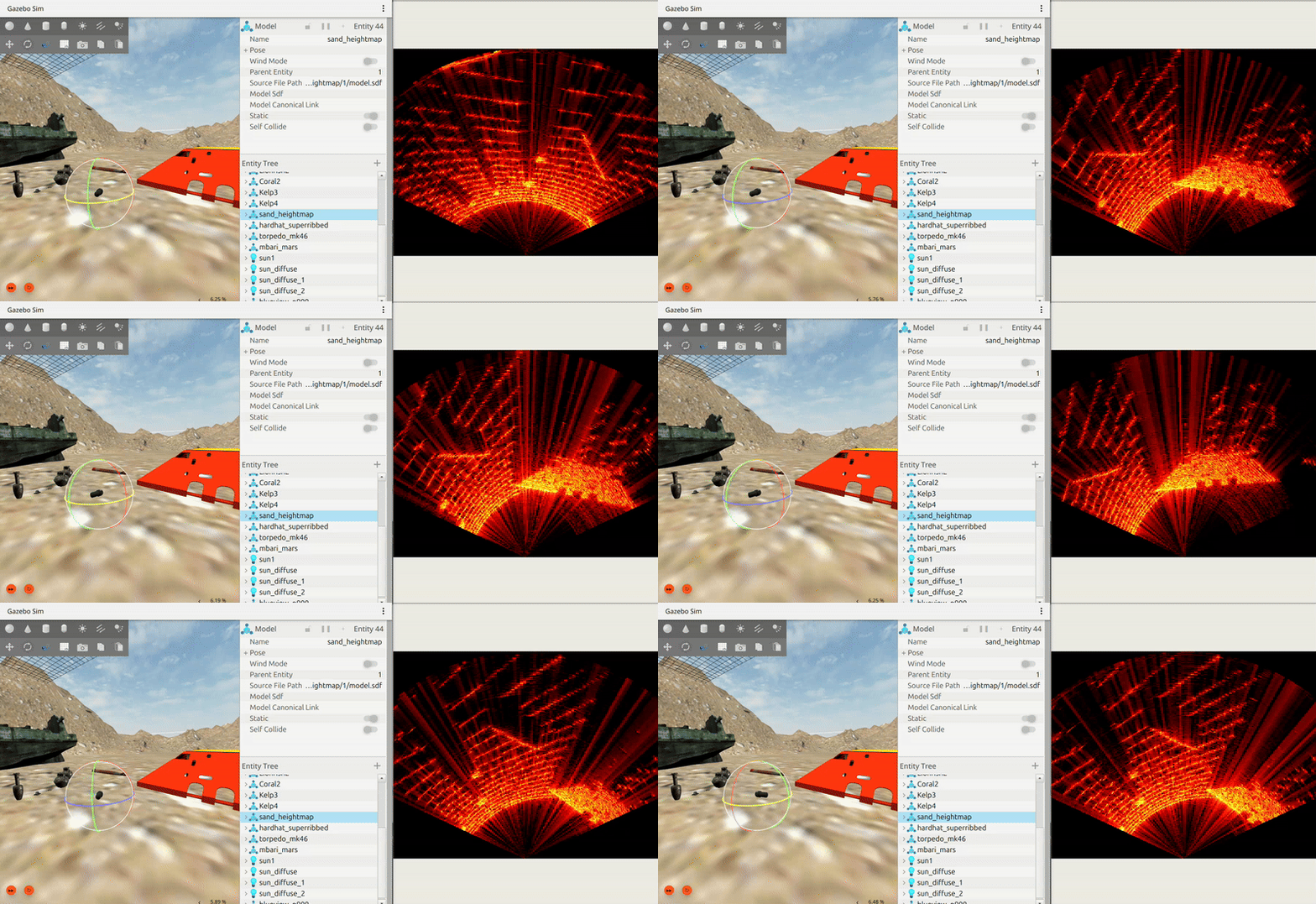
Figures and videos: POSIM Notion Wiki. See Citation and licenses for DAVE documentation attribution. Use this page's code blocks for execution commands and topic names.