
多普勒计程仪
DVL 估计相对于海底或周围水体的速度。POSIM 使用 Gazebo DVL 系统,通过 ROS 桥接输出 posim_interfaces/msg/DVL。
启动传感器
在按安装方式准备好的终端 A中运行:
ros2 launch posim_demos posim_sensor.launch.py \
  namespace:=nortek_dvl500_300 world_name:=dvl_world z:=-30 \
  paused:=false gui:=true headless:=false
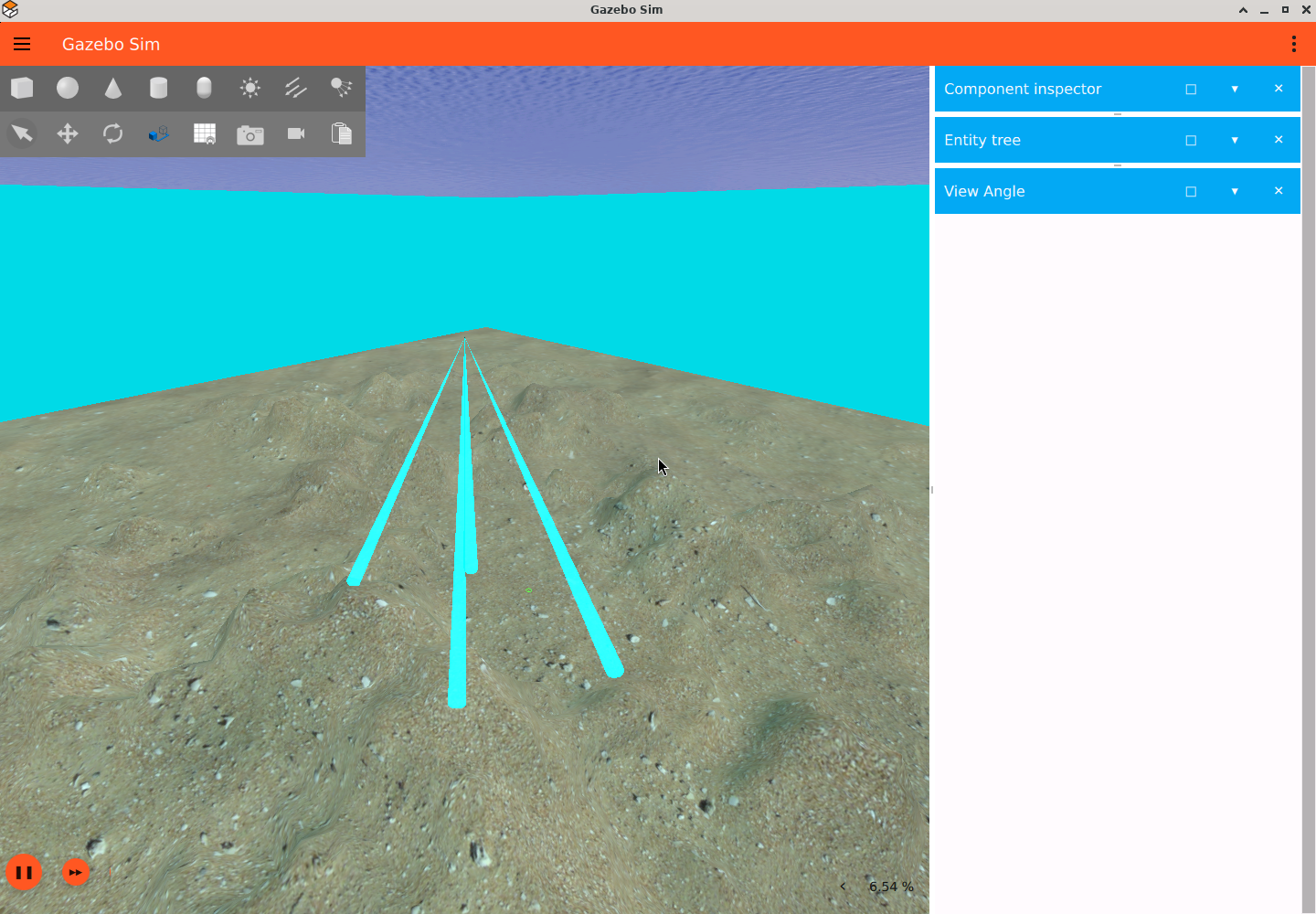
在准备好的终端 B 中先查看 Gazebo 数据,按 Ctrl+C 停止查看,再读取 ROS 数据:
gz topic -e -t /dvl/velocity
ros2 topic echo /dvl/velocity posim_interfaces/msg/DVL --once
创建其他传感器时,使用其模型定义的话题。
SDF 集成
将以下系统直接放在 <world> 下:
<plugin filename="gz-sim-sensors-system" name="gz::sim::systems::Sensors">
  <render_engine>ogre2</render_engine>
</plugin>
<plugin filename="gz-sim-dvl-system"
        name="gz::sim::systems::DopplerVelocityLogSystem"/>
POSIM 桥接插件放在传感器的 <model> 中,其话题须与 <link> 中 DVL 的 <topic> 一致:
<plugin filename="DVLBridge" name="posim_ros_gz_plugins::DVLBridge">
  <topic>/dvl/velocity</topic>
</plugin>
DVL500-300 完整 SDF定义了 type="custom" gz:type="dvl"、四束声波和跟踪模式。示例世界提供海底几何形状。
参数与单位
DVLBridge 仅接受 topic 参数,默认为 /dvl/velocity。它在同一路径接收 Gazebo 数据并发布 ROS 数据。其余字段属于 Gazebo 传感器;下表给出 DVL500-300 示例值。
| 传感器 SDF 字段 | 含义 | 示例 |
|---|---|---|
topic, update_rate |
输出路径与请求频率,Hz | /dvl/velocity, 8 |
gz:dvl/type |
换能器阵列形式 | phased_array |
arrangement 的 aperture, rotation, tilt |
波束角度;degrees="true" 表示度 |
开角 3°,旋转 −135/135/45/−45°,倾斜 25° |
minimum_range, maximum_range |
声学测距范围,m | 0.3, 200 |
reference_frame |
参考位姿,位置 m、旋转 rad | 0 0 0 3.14 0 -1.57 |
tracking/bottom_mode/when, tracking/water_mass_mode/when |
对地、对水跟踪选择 | 均为 best |
跟踪的 noise/stddev |
速度噪声标准差,m/s | 对地 0.005;对水 0.015 |
水体的 water_velocity |
x/y/z 分量,m/s | 0/0/0 |
水体的 boundaries/near, boundaries/far, bins |
采样边界 m 与单元数 | 10, 100, 10 |
跟踪的 visualize |
显示采样几何形状 | true |
消息转换见桥接实现。深度传感器需要 Gazebo 渲染,请先完成环境配置。
可用模型
| 模型名称 | 系列 |
|---|---|
nortek_dvl500_300, nortek_dvl500_6000 |
Nortek DVL500 |
nortek_dvl1000_300, nortek_dvl1000_4000 |
Nortek DVL1000 |
sonardyne_syrinx600 |
Sonardyne |
teledyne_explorer1000, teledyne_explorer4000 |
Teledyne Explorer |
teledyne_whn |
Teledyne WHN |
nortek_dvl500_300_with_multibeam_sonar |
DVL 加 声纳 |
请检查各模型 SDF 中的采样设置和波束几何参数。
坐标系与协方差
示例通过 <reference_frame> 将 ENU 转换为前方/右舷/下方坐标系。桥接保留 Gazebo 坐标系名称,并将 :: 分隔符换成 /。估计器须使用相同坐标系,并区分对地速度与对水速度。
综合速度和每个波束均带有 ROS 6×6 twist 协方差。左上角 3×3 为测得的线速度协方差,单位 m²/s²。其他项为零是因为 DVL 不提供角速度估计,不能理解为测量不确定度为零。
检查观测数据
用 ros2 interface show posim_interfaces/msg/DVL 查看消息定义。分别在机器人静止和受控运动时检查速度、坐标系和状态。海底形状、量程和波束交点都会影响测量。可开启模型中的 visualize 查看波束。
DVL 波束与输出
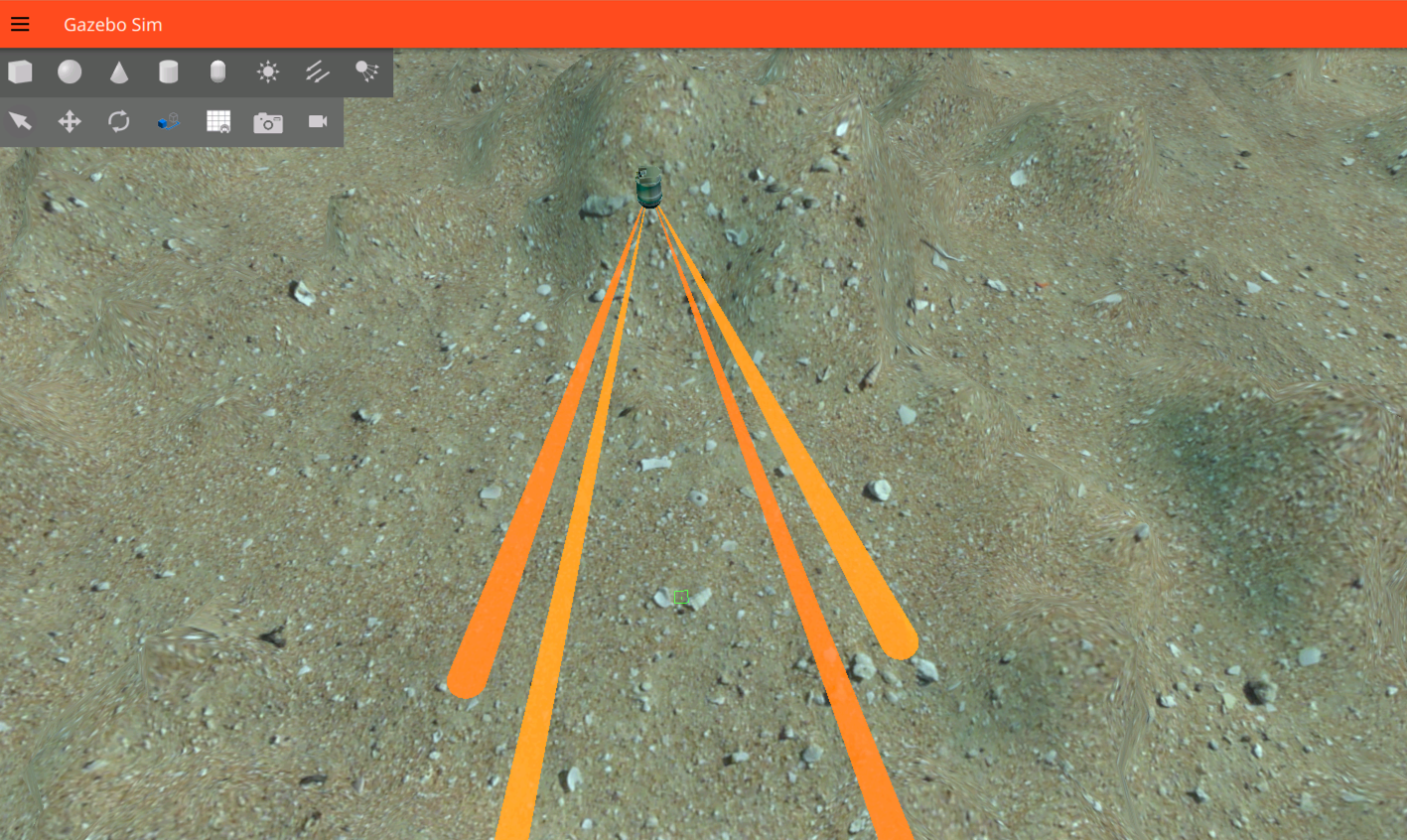
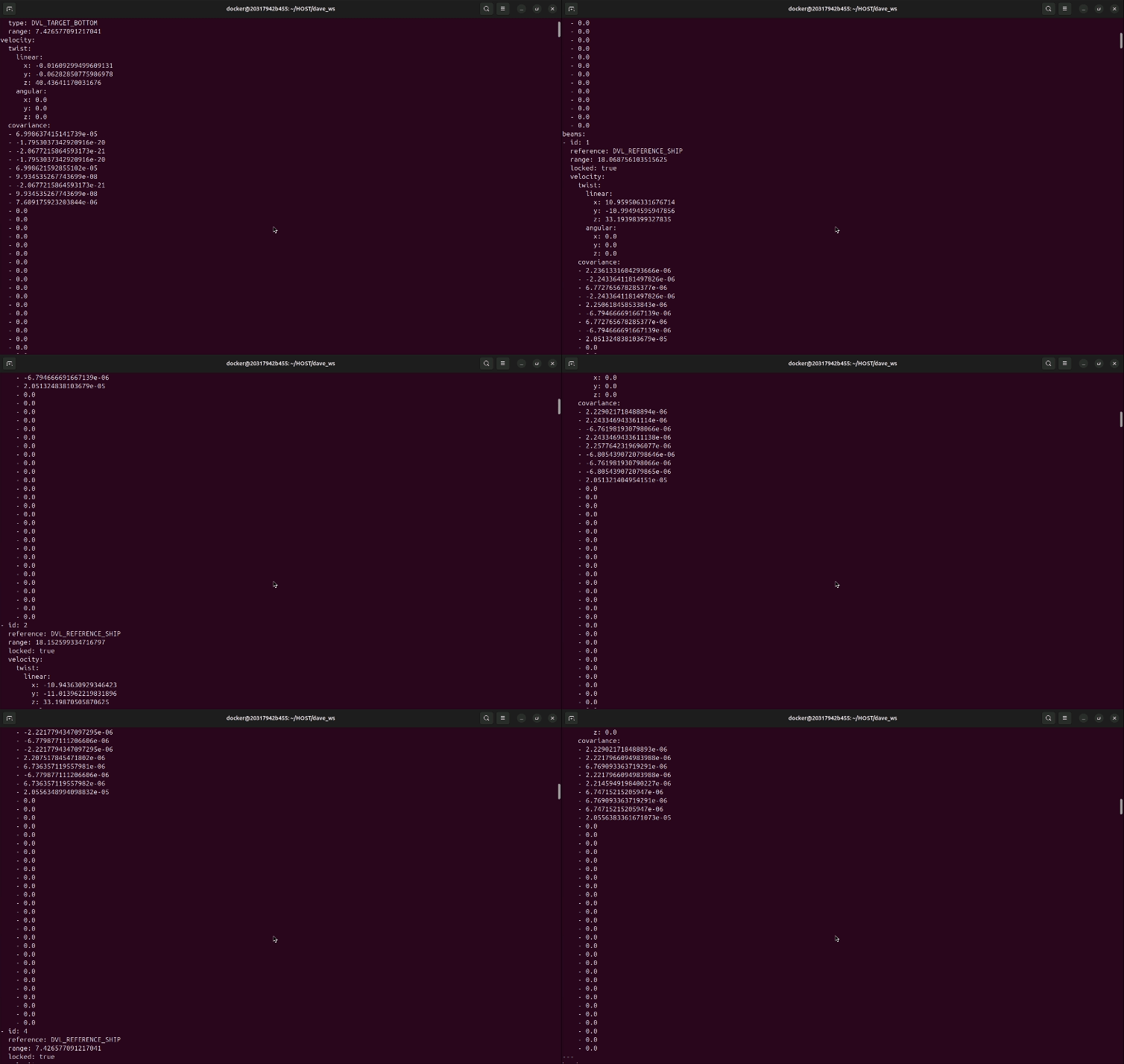
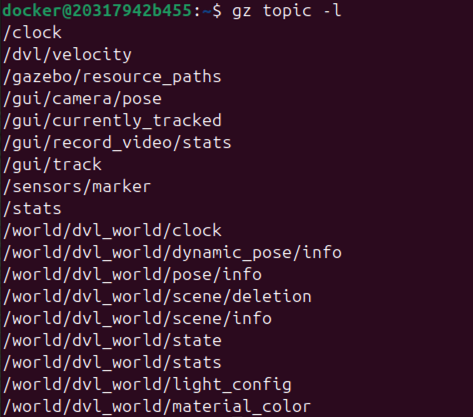

图片来源:POSIM Notion Wiki;DAVE 署名见引用与许可证。执行时使用本页命令和话题名称。